


Dimensioning
In the frame "Dimensioning", it is possible to display an envelope of internal forces and displacements from all analyses and stages of constructions. Normally, the envelope is constructed from the results of all construction stages, however, it can only be created from the selected stages. The "Modify" button opens the dialog window "Construction stage selection", where it is possible to select the constructions stages that are used to generate the current envelope (by pressing corresponding buttons).
The maximum values of calculated internal forces (bending moments and shear forces) are displayed at the bottom part of the frame.
The program allows us to check reinforced concrete, steel, timber and plastic cross-sections (by checking the option "Check cross-section"). For a more detailed design of reinforcement in concrete cross-section, it is possible to divide the structure into sections which are then assessed separately.
For a reinforced concrete wall, standard vertical reinforcement can be specified or steel mesh can be selected from the available catalog.
When checking the cross-section, it is possible to input the reduction coefficient of bearing capacity, which multiplies values of internal forces. For dimensioning of steel cross-sections, it is possible to assume influence of normal force in these ways:
- normal forces - do not consider: program doesn't consider influence of normal force
- normal forces - input: user-defined value of normal force N [kN/m, lbf/ft]
Additional options can be found under this button  - for example, exporting data to FIN EC programs.
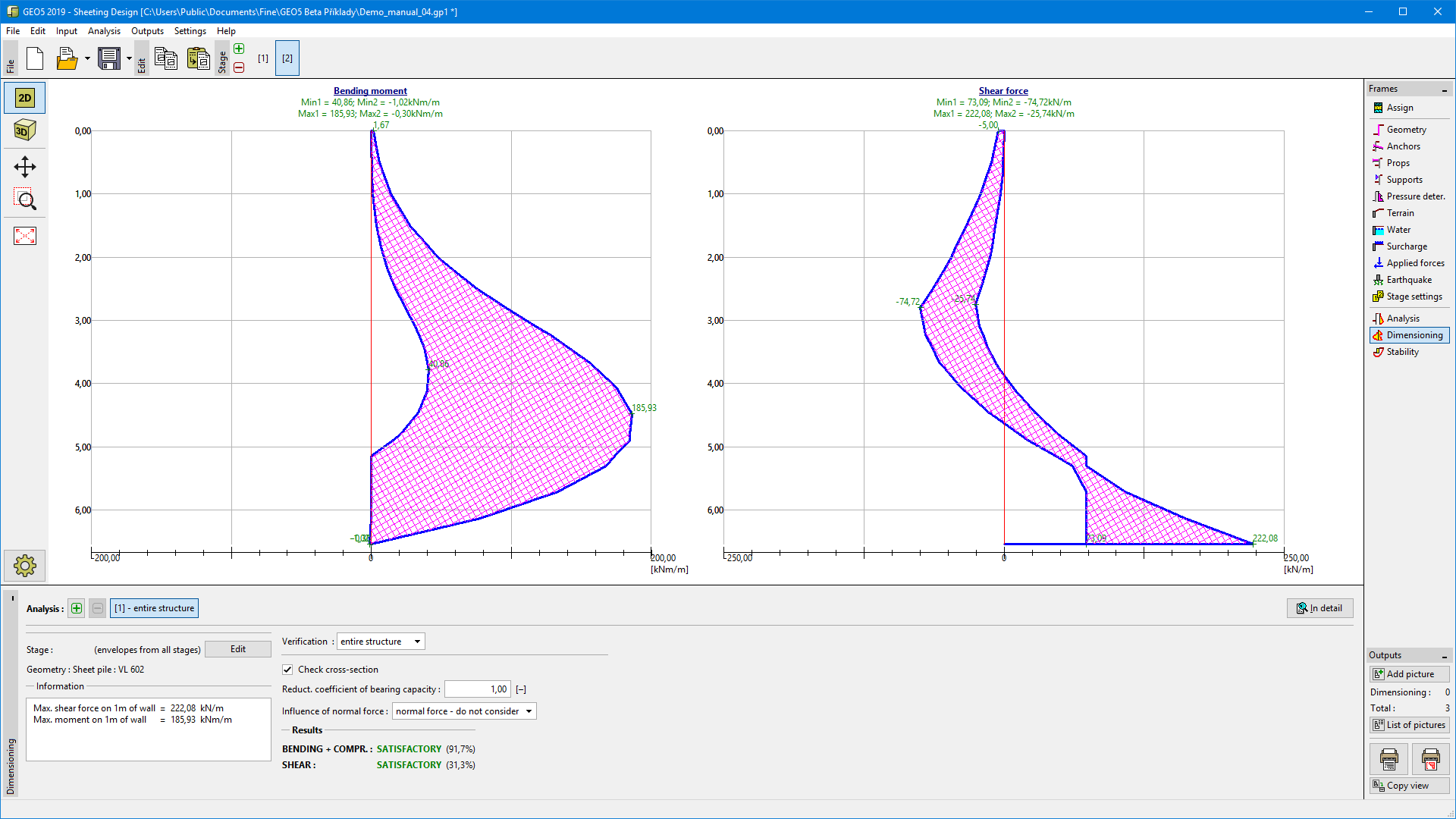 Frame "Dimensioning"