


Modes
The vertical toolbars allow the user to select the desired mode of inputting data (Project, Geometry, Profile, etc.), including analysis type and verification. The selection of the mode from this bar displays in the bottom part of the desktop the corresponding frame for data input.
The toolbar only contains those frames, where the input of data makes sense. This means that if a task has more construction stages, the toolbar is complete in the first stage; however, some items are missing in further construction stages where given data cannot be changed.
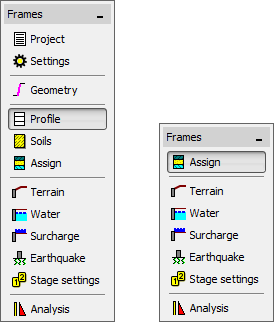 Control bar "Frames" for switching between input data modes