


Surcharge - Plane and Polygonal Slip Surface
The "Surcharge" frame contains a table with a list of input surcharges. Adding surcharge is performed in the "New surcharge" dialog window. The input surcharges can be edited on the desktop with the help of active dimensions or active objects, respectively.
Either permanent, variable, or accidental surcharge can be specified. Selecting the particular type of surcharge also renders the corresponding design coefficient to multiply the resulting load action. Accidental surcharge with a favorable effect is not considered in the analysis.
Introducing surcharge forces into the analysis differs for a plane and a polygonal slip surface.
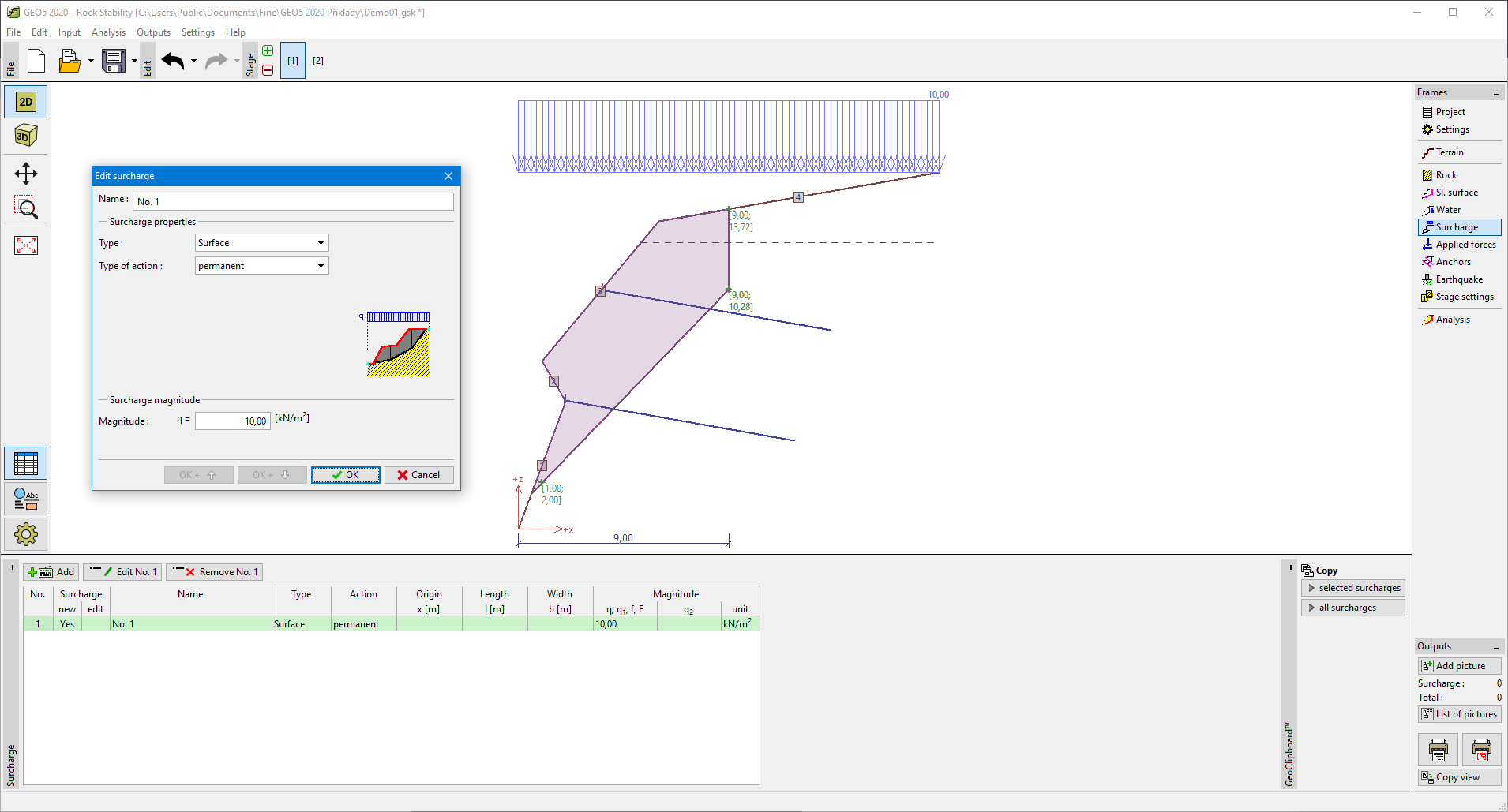 Frame "Surcharge" - plane and polygonal slip surface